The Flags of Freedom Streaming-Book
Navigation Guide
Following are some screenshots to help you understand how to navigate the content in the streaming-book, and the many features available to readers. But first, please give your attention to this important information:
SCREEN SIZE MATTERS!
There are 2 Streaming-Book Formats Available for you to choose from, based on the type and size of the device you are reading on:
For Large Desktop, TV & Tablet Screens:
-
- A “Flip-Book” display format, which IS STANDARD, replicates the act of reading a physical book by displaying 2 pages side-by-side. The BEST READING EXPERIENCE is found on LARGE SCREENS like large DESKTOP DISPLAYS or by casting to your TV, if you have that capability. It will also be very readable on 17″ of larger LAPTOP SCREENS, or large TABLET SCREENS.
For Small Tablet Screens:
-
- A “Slide-Show” display format, which displays 1 (one) page that more easily allows reading on smaller devices such as small desktop screens or small tablet screens. It’s your choice!
NOTE: There will soon be a Smartphone App you can download, but because of the book layout and dimensions, even if using the app, your reading experience may not be acceptable to you.
SCREEN NAVIGATION
IMPORTANT! – READ BEFORE OPENING BOOK!
The Navigation Panel (shown below) is located at the top center of the streaming-book, just under the Title Bar. When the “3-Flags of Freedom,” custom illustration I commissioned for the cover is used as the background, these nav buttons and others around the screen are often difficult to see the first time you open the book. Following are screenshots showing each of the Nav Elements and their purpose. Below is a closeup of the Navigation Panel with icons.
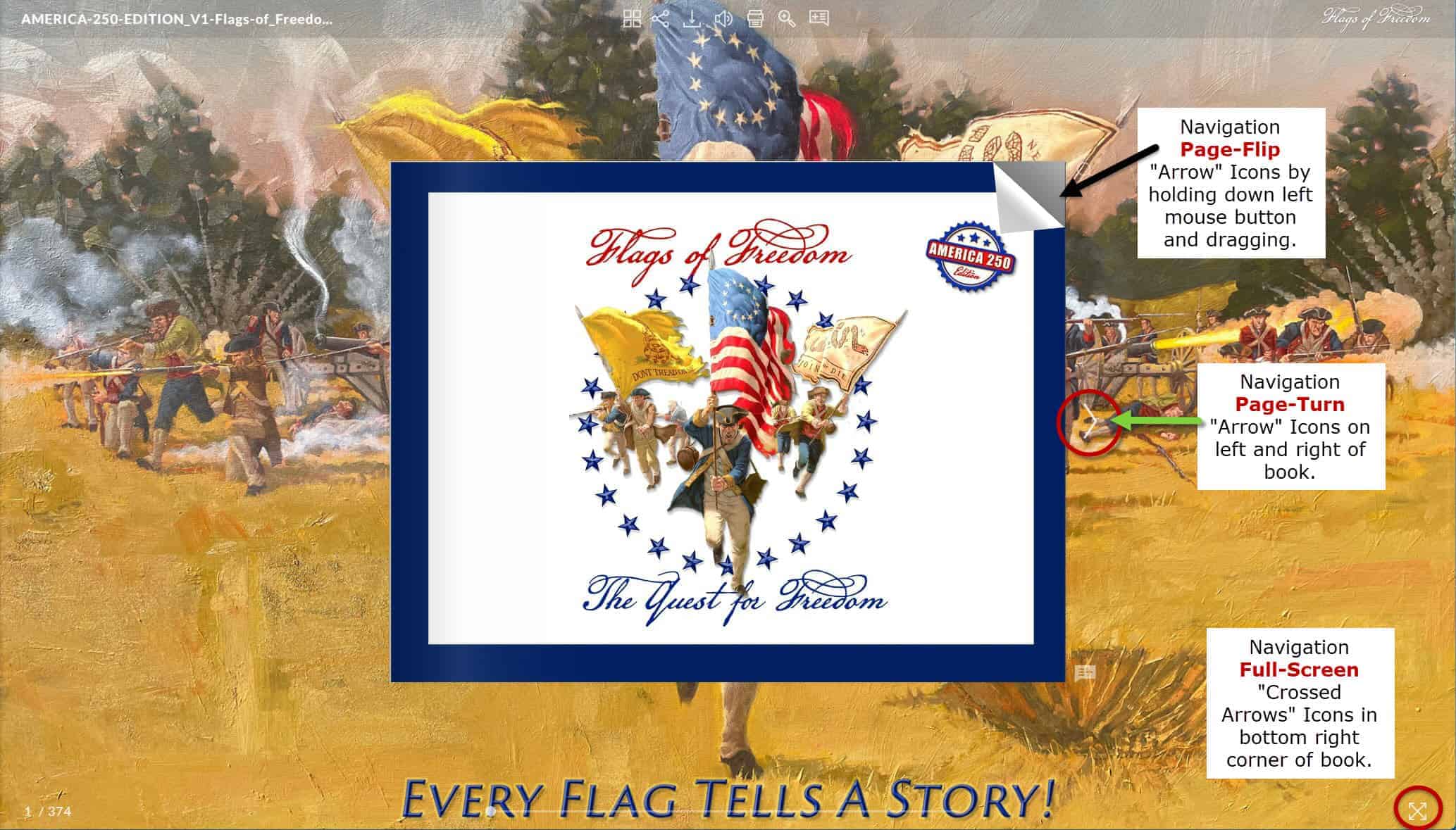
- “PAGE FLIP,” “PAGE-TURN” and “Expand Full-SCREEN” Icons.
You can “Flip” each page using three methods: (1) either click the white “arrow” icons on either side of the book, or click anywhere on the left or right of the book, or (2) grab a corner of a page and drag it with your left mouse button held down to “flip” the page, just like a paper book page! (3) Click the screen anywhere to the left or right of the arrow icons to turn the page.
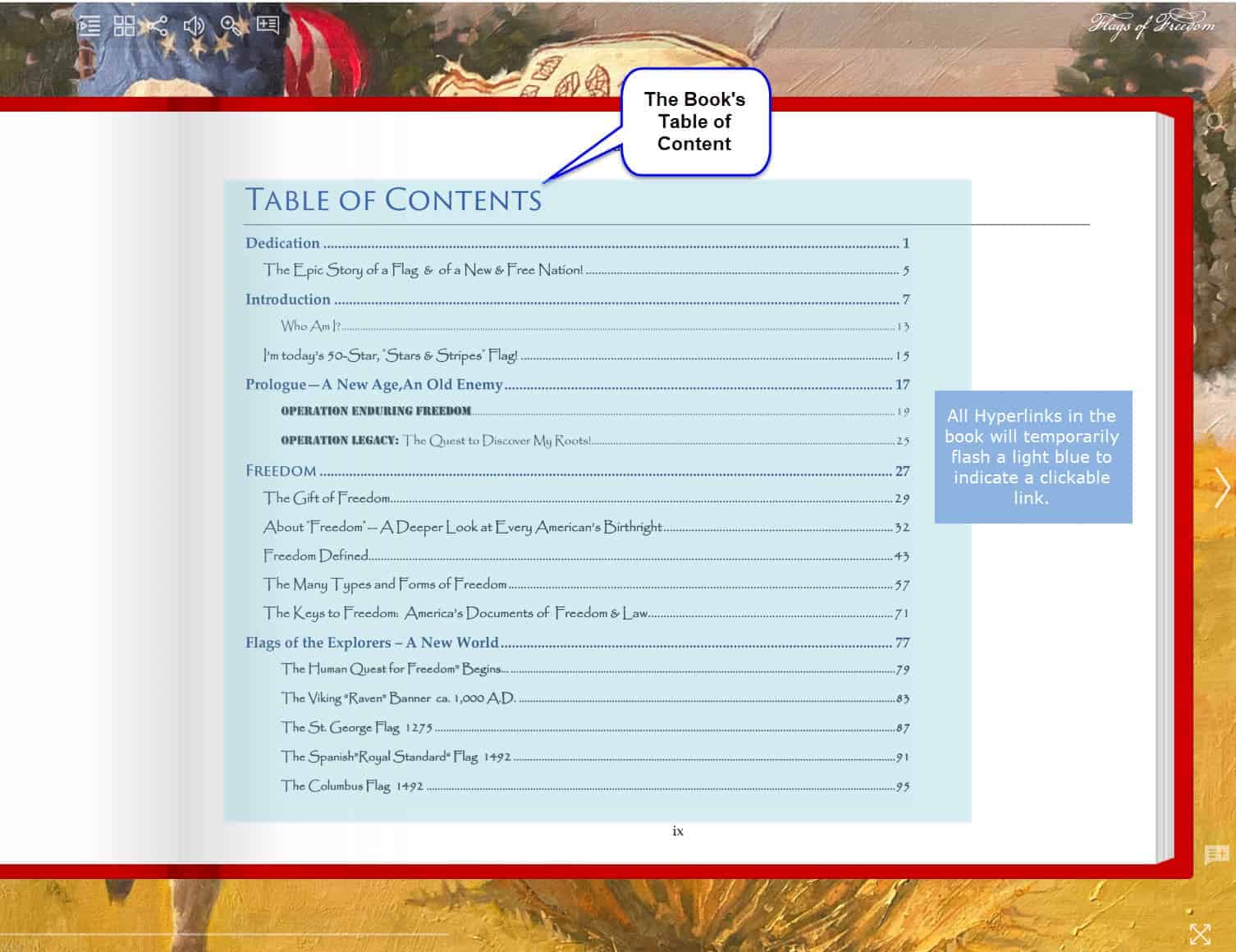
- “TABLES OF CONTENT,” There are two (2) Tables of Contents. (A) The first shown is the “BOOK’S” TOC, which contains very high-level links to major sections in the book.
A: The Manuscript’s TOC.
B: The second is the “STREAMING-BOOK’S“ TOC.
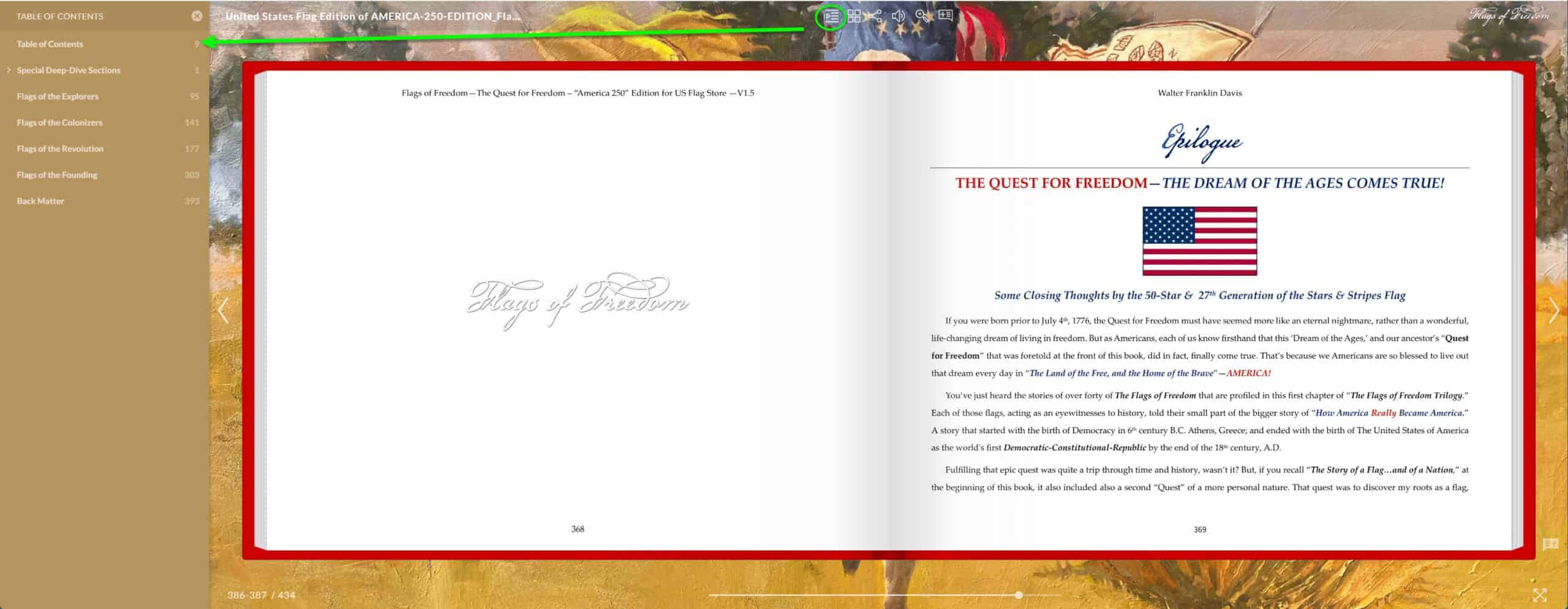
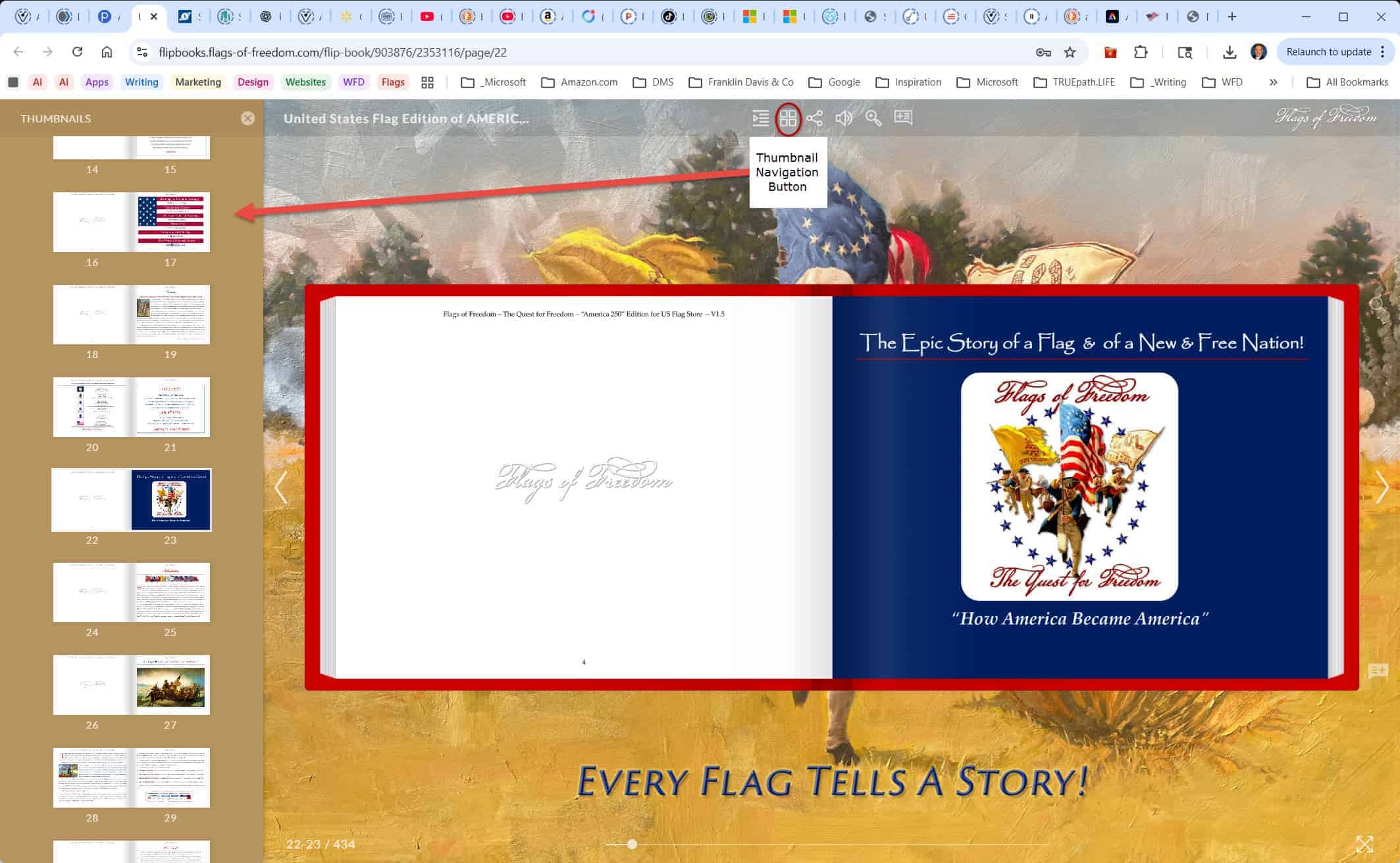
- The “THUMBNAIL” Navigation Icon opens a callout on the left side of the screen. This makes finding and opening pages quickly simple by scrolling with your mouse-wheel/pointer up and down.
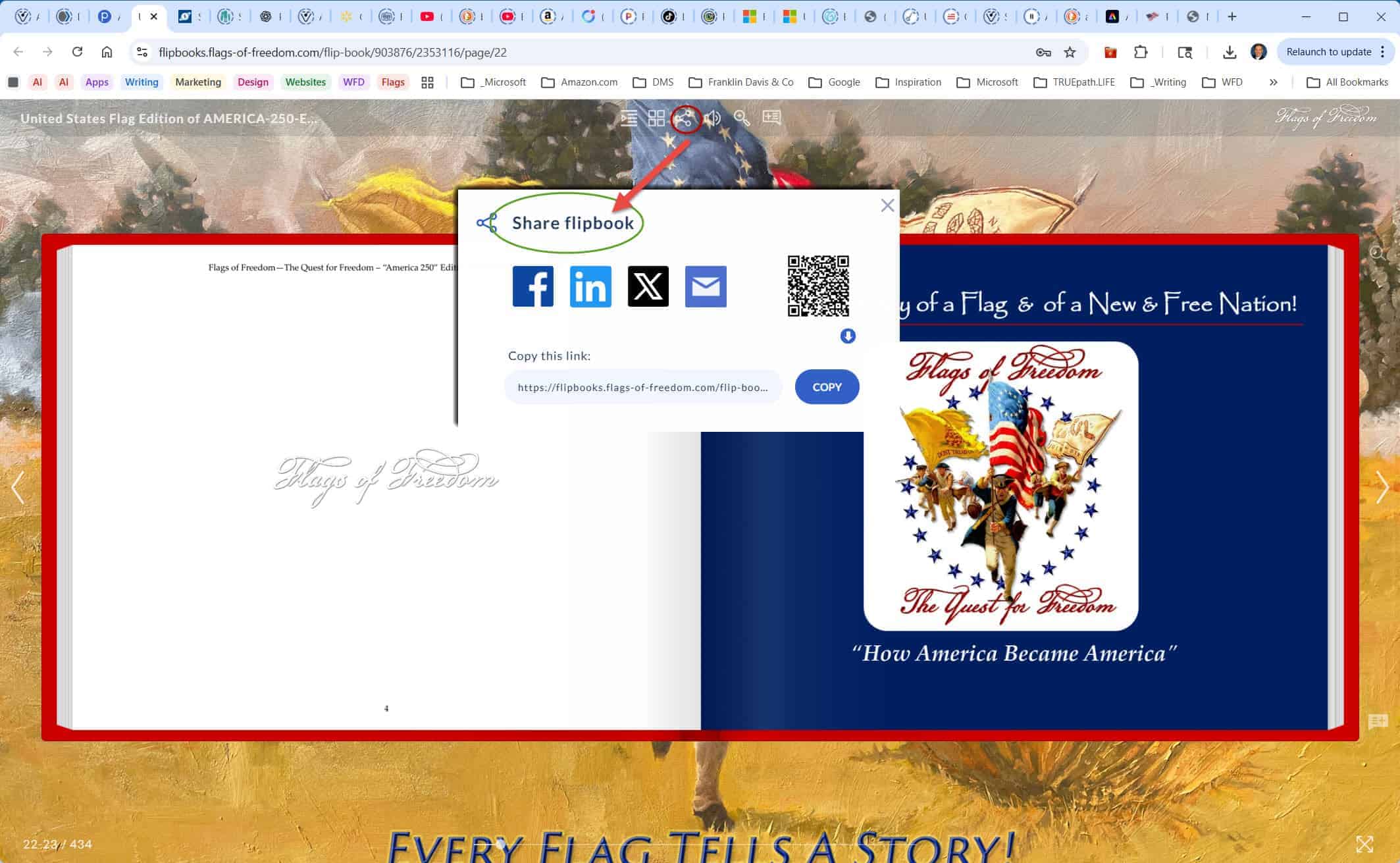
- The “SHARE” Icon circled in red at the top, brings up a dialog (red arrow) offers readers the opportunity to send a link to the book to friends by email or any of the major social media channels.
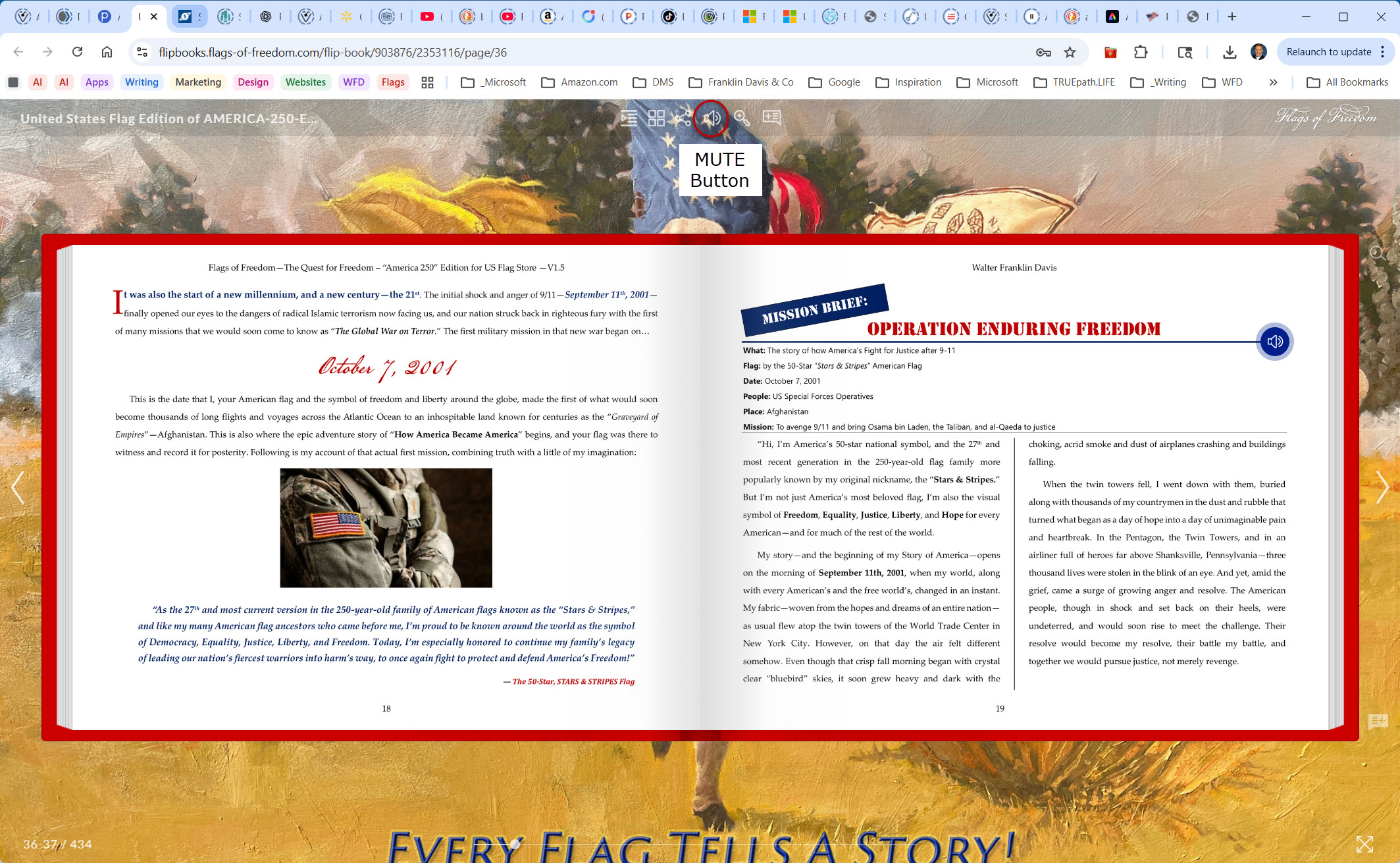
- The “MUTE” Icon turns the sound off in the book.
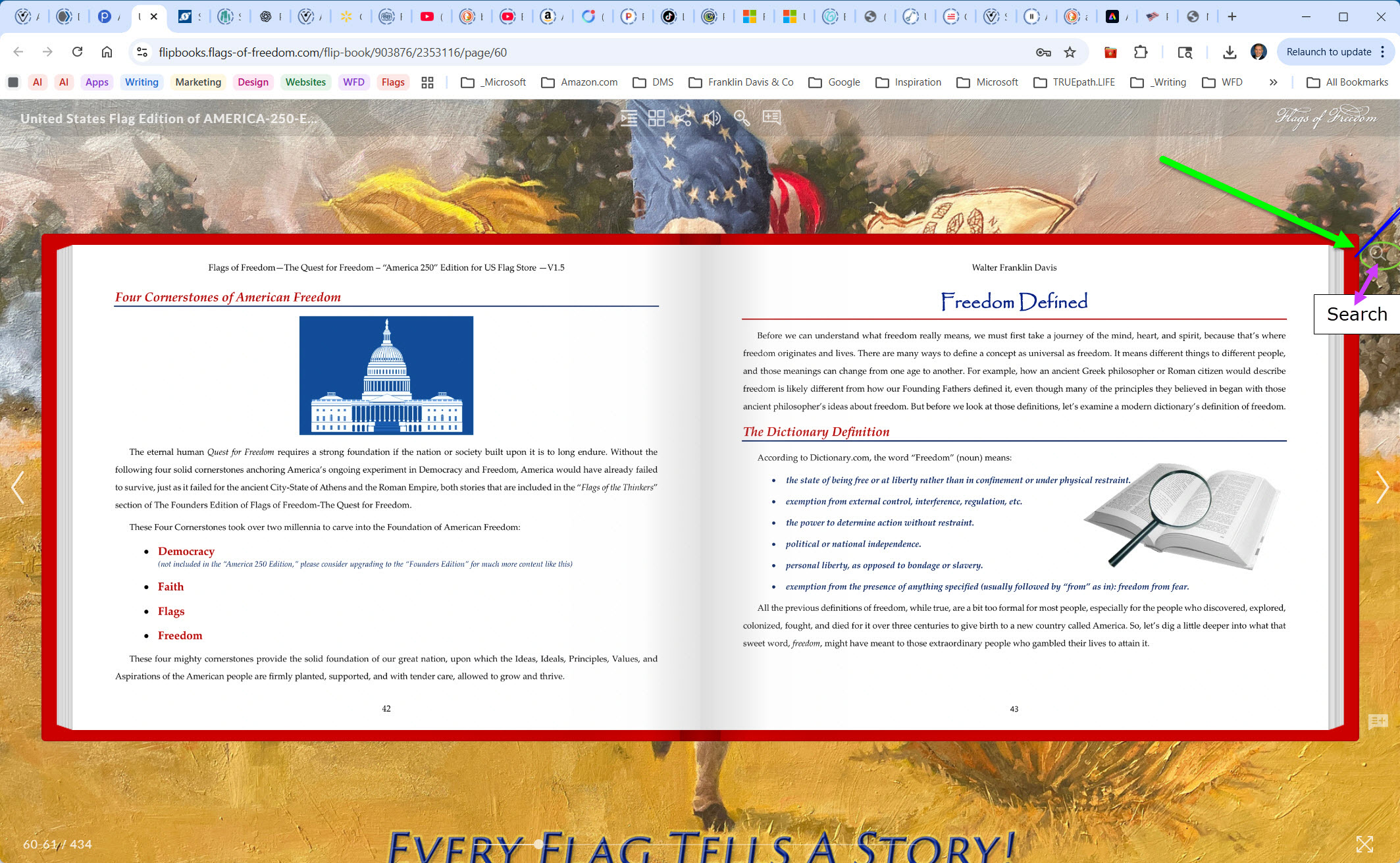
- The “SEARCH” Icon brings up a Search dialog to “Find” any text or search term that you enter into it.
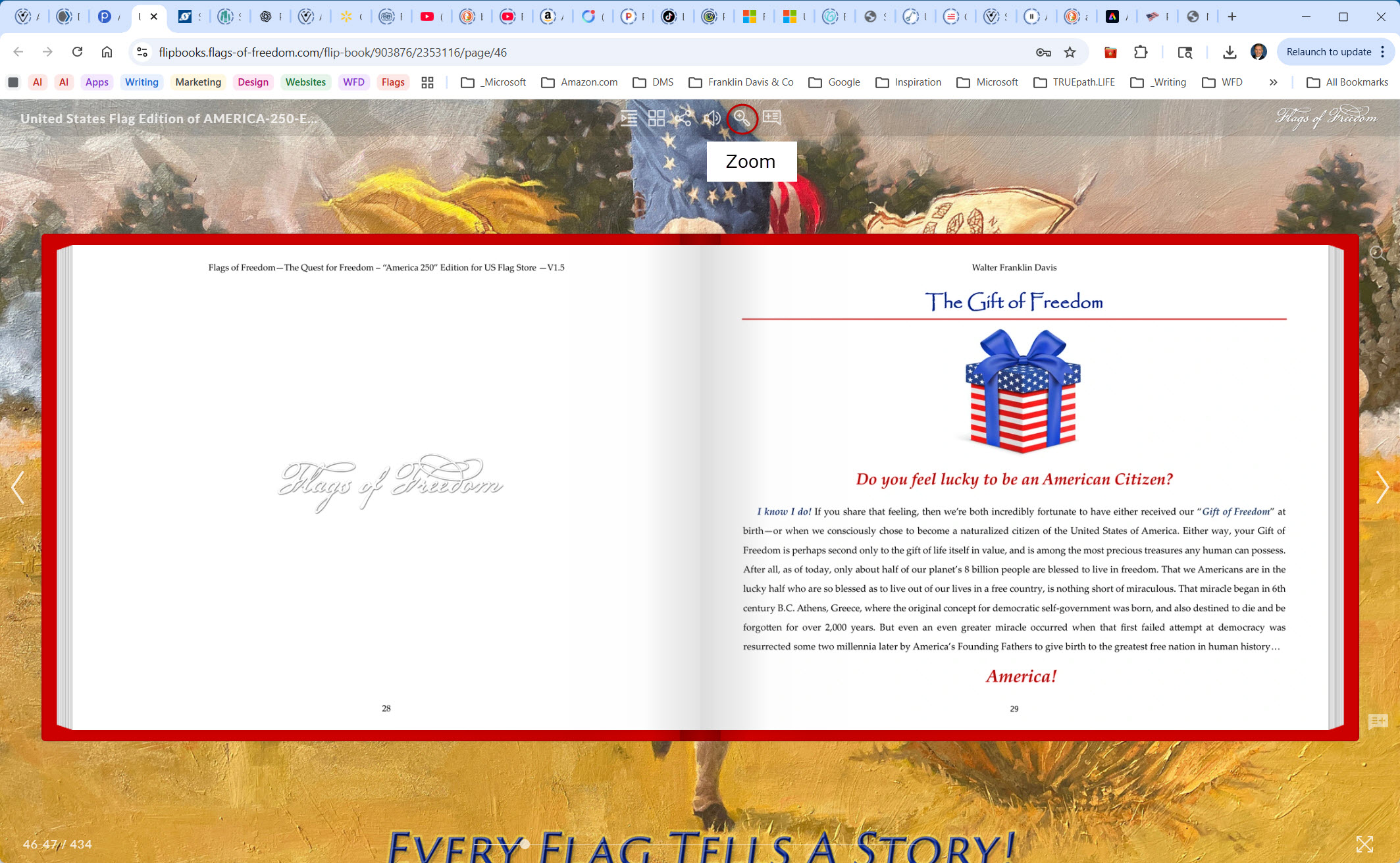
- The “ZOOM” Icon allows readers to zoom-in to the page for a closer look.
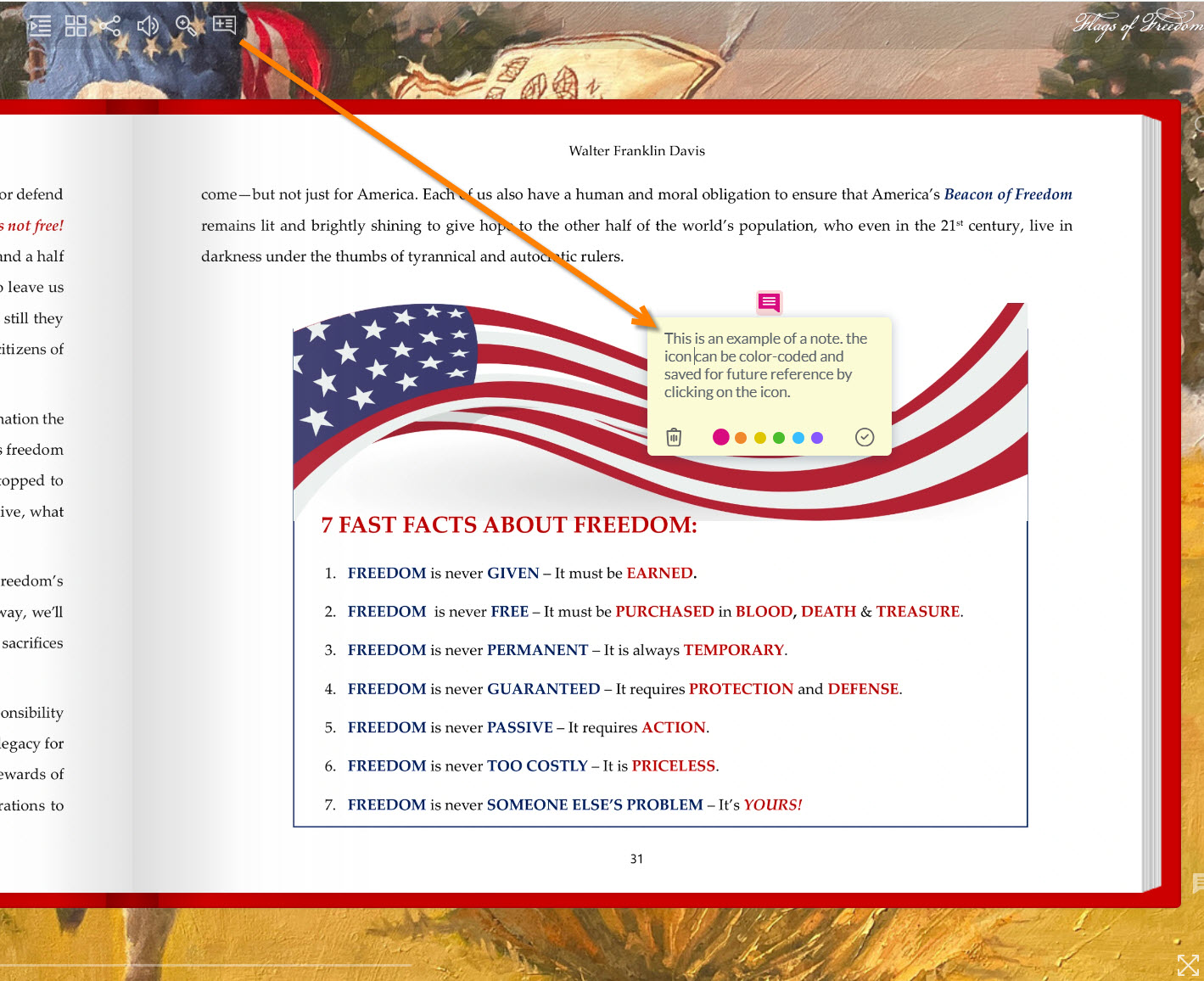
- The “NOTES” Icon lets you create personal notes next to any content that you want to remember later.